Generating pseudo table from multizone composite table
In real-world cases, there is a kind of table structure made up of multiple same-structure composite tables. In SPL, we call it multizone composite table. A multizone composite table stores data in zone tables named after “zone table number (1, 2, …) plus same composite table name (such as OrderInfo). Together, these zone tables form a homo-name files group as follows:

In this multizone composite table, numbers of zone tables 1.OrderInfo.ctx and 2.OrdderInfo.ctx are 1 and 2 respectively. They store orders data in the year 2020 and that in the year 2021 respectively and are made of SID (salesperson ID), OID (order ID), OTime (Ordering time) and Amount (Order amount).
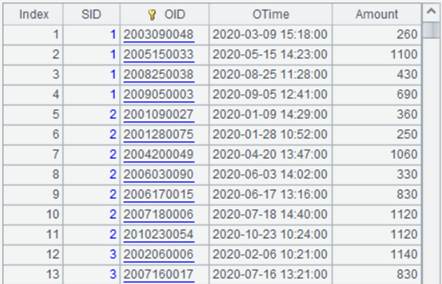
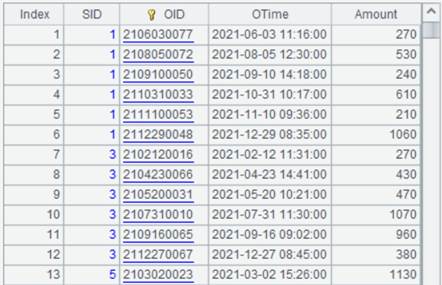
Look at how to define a pseudo table based on a multizone composite table through the following examples.
Loading the composite table file
Open the metadata file demo.glmd and click  (Add pseudo
table) to add a new pseudo table.
(Add pseudo
table) to add a new pseudo table.
Click Select to open any zone table in the pseudo folder, such as 1.OrderInfo.ctx.
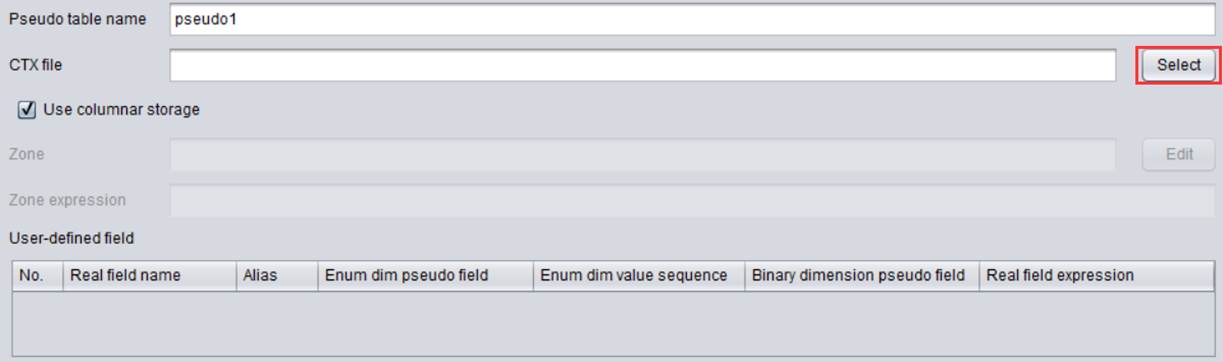
Now the file name is automatically retrieved into Pseudo table name.
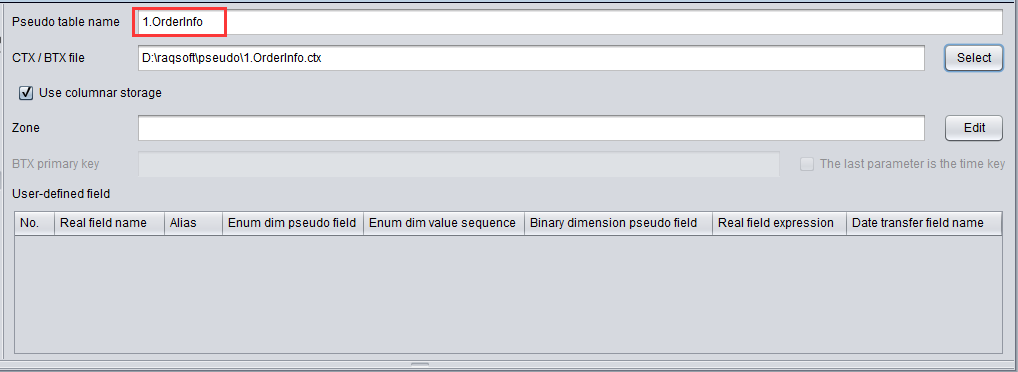
The pseudo table name contains a dot symbol. In order to avoid amibiguity during the query, we modify the name as OrderInfo.

l Pseudo table name: For setting name of the pseudo table. Select a file and the system automatically recognizes the file name as the pseudo table name. Users can also define their own name.
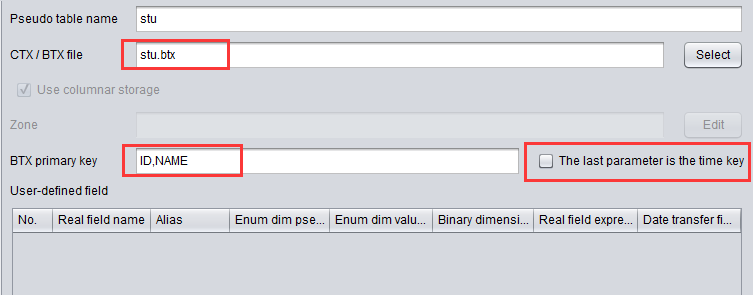
Change CTX/BTX file path into a relative one and use the file name without the zone table number as the composite table file name:
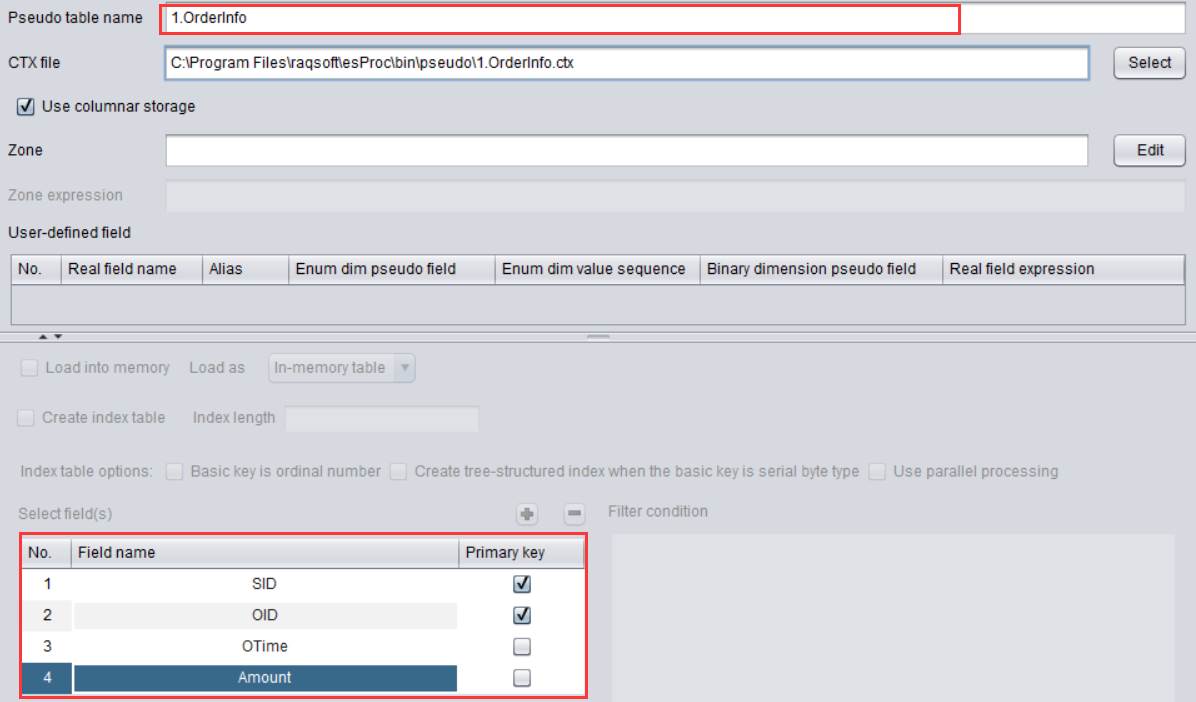
l CTX/BTX file: For setting the physical table corresponding to the pseudo table; only support composite table file and bin file.
The file path can be a relative one or an absolute one. The relative path is relative to the Main path configured in Tool-Options-Esproc options.
Setting the list of zone table numbers
Enter numbers of physical zone tables 1.OrderInfo.ctx and 2.OrderInfo.ctx – 1 and 2 respectively – after Zone, the list of zone table numbers.
Click Edit to set up the zone table number list:

Click OK to get the following zone table number list:

l Use columnar storage: Set whether to use columnar storage to increase performance. It is checked by default.
Execute Generate table from pseudo table:
And we get following result of querying OrderInfo in DQL:
