Exporting pseudo table to SPL file
After finishing defining a pseudo table in demo.glmd, you may want to uses it to perform more operations on the pseudo table in SPL. To do that, just export the pseudo table definition to a SPL file according to the following directions:
Open demo.glmd, click File - Export pseudo tables to SPL file on the menu bar to select path and name of the SPL file to which a pseudo table will be exported:
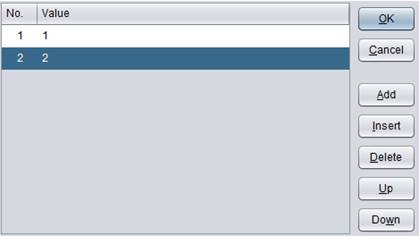
Click “Save” button and data in the pseudo table is successfully exported to the SPL file:
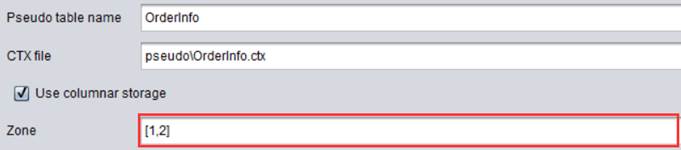
View the SPL file in esProc and the content is as follows:
|
|
A |
B |
|
1 |
=[{name:"emps",file:"pseudo/emps.ctx",zone:null,column:[]}] |
=pseudo@v(A1) |
|
2 |
=[{name:"OrderInfo",file:"pseudo/OrderInfo.ctx",zone:[1,2],column:[]}] |
=pseudo@v(A2) |
You see that the pseudo table definition is stored as a JSON string. Now you can perform more complex computations on the pseudo table using SPL scripts.