Help
This section focuses on operations and uses of items under Help in the menu bar.
About
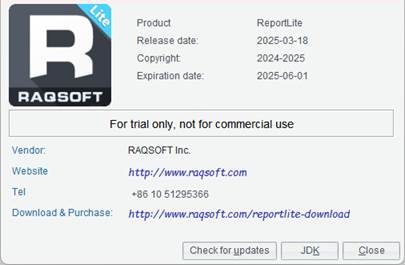
Through this item, you can view information about the ReportLite product.
Click Help -> About to view information of the ReportLite product, as the following screenshot shows:
l JDK environment
Click “JDK” button to JDK environment information.
Check or change the serial number
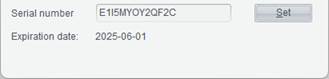
This item is used to check or change the current serial number.
Click Help -> Check or change the serial number to check information of the current serial number, as shown below:
Clear memory
This item is used to clean up the memory.
Click Help -> Clear memory to pop up the following “Clear memory” dialog box:
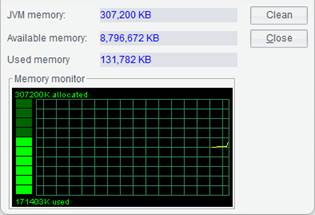
Click “Clean” button and the system will invoke gc() method to run the garbage collector, and the virtual machine will recycle the trashed memory space.