Set up Data Source
An ETL file supports using the database table and the text file as data source. Follow the directions to set up the data source:
Database Table
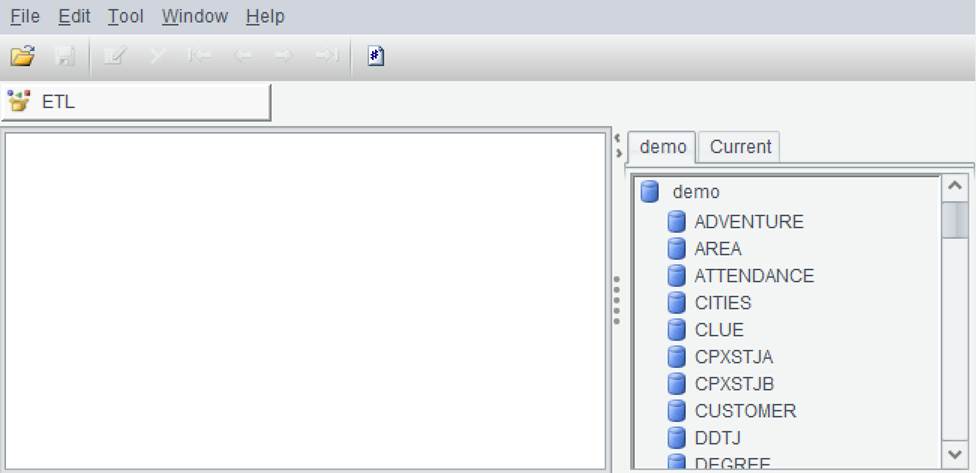
Connect to a database through Tool -> Connect to Data Source, and all tables in the database will be automatically listed on the right panel. To connect to the built-in demo source, for example:
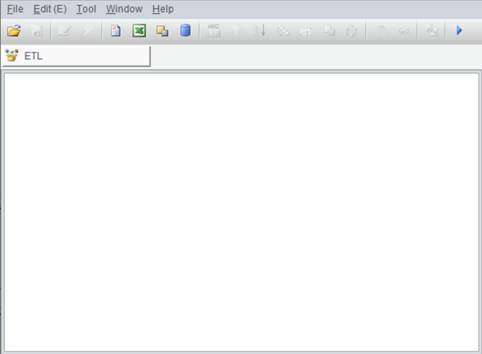
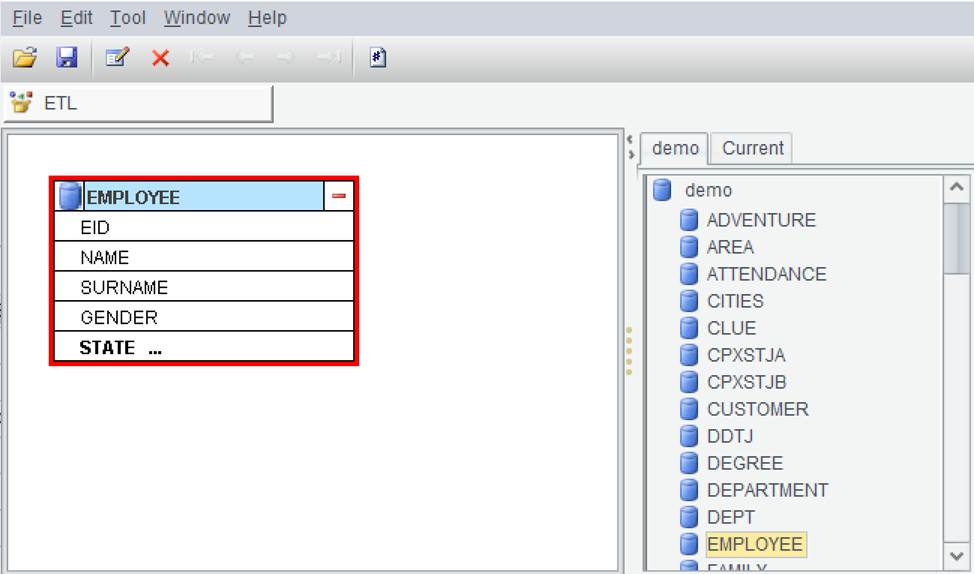
To add data to the ETL interface, select a database table and drag it directly to the right panel. To use EMPLOYEE table, for example:
Below is data in the EMPLOYEE table:
… …
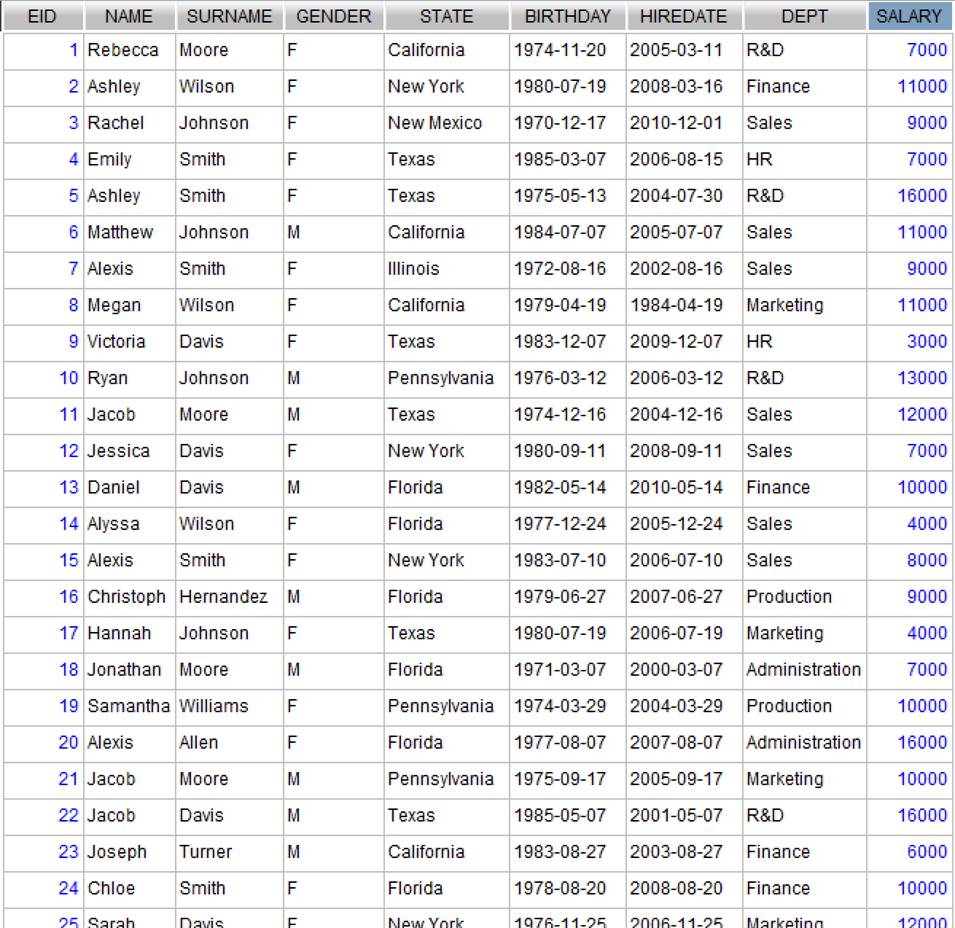
Note: For the convenience of later illustration, there are only 50 records in the EMPLOYEE table.
Text file
You can also use a text file of txt/csv format as the data source in the ETL interface. Set up the file path under Data Path and then double-click or drag it to add file data to the ETL panel. To use gender.txt as the source, for example:

Below is data in gender.txt:

When there are multiple source
tables in the ETL interface, you can change their positions through Edit menus
or click buttons ( )
on the toolbar, or delete a selected source table using
)
on the toolbar, or delete a selected source table using  button.