Datasource
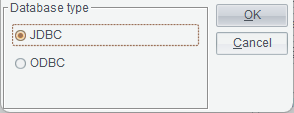
This item is used to define the JDBC/ODBC connection parameters for accessing the database on each server unit. A new data source will be synchronized to the server unit’s data source configurations in real time.
Select a started cluster
server management service, and click  or select Cluster Server -> Datasource
to enter the data source interface.
or select Cluster Server -> Datasource
to enter the data source interface.
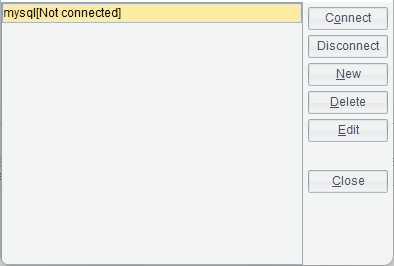
【Connect】Test whether a selected data source in the list box on the left is successfully configured.
【Disconnect】Close connection to a data source.
【New】Create a new data source.
【Delete】Delete an existing data source.
【Edit】Modify the definition information of a selected data source in the data source list box.